Appointment Reminders Report
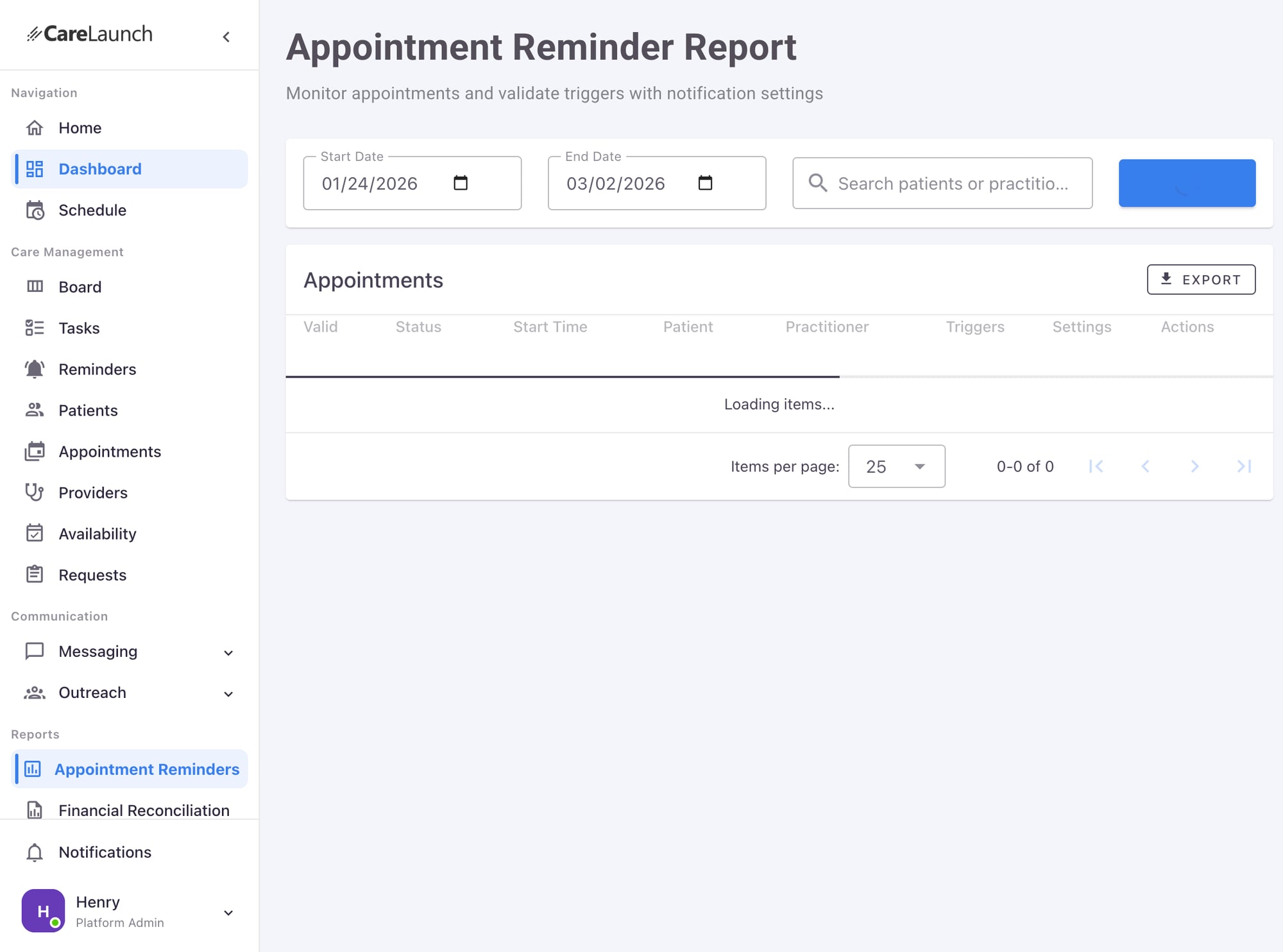
The Appointment Reminders Report helps you monitor scheduled appointments and validate that notification triggers are properly configured.
Overview
This report allows you to:
- Monitor upcoming appointments across date ranges
- Validate notification triggers are configured correctly
- Review notification settings per appointment
- Export data for further analysis
Accessing the Report
Navigate to Reports > Appointment Reminders in the sidebar.
Report Filters
Date Range
- Start Date: Beginning of the report period
- End Date: End of the report period
- Default range: Current date to 6 weeks ahead
Search
Search by patient name or practitioner to find specific appointments.
Report Columns
| Column | Description |
|---|---|
| Valid | Whether the appointment has valid notification settings |
| Status | Appointment status (Booked, Confirmed, etc.) |
| Start Time | Scheduled appointment time |
| Patient | Patient name and identifier |
| Practitioner | Assigned provider |
| Triggers | Notification triggers configured |
| Settings | Link to notification settings |
| Actions | Quick actions (View, Edit) |
Understanding Triggers
Trigger Status
- ✅ Valid: Notifications will send as expected
- ⚠️ Warning: Configuration may need review
- ❌ Invalid: Notifications won't send, action needed
Common Trigger Issues
- Missing patient contact info - No phone or email
- Disabled notifications - Patient opted out
- Past due date - Appointment already occurred
- No triggers configured - Settings need setup
Exporting Data
Click EXPORT to download the report as CSV for:
- Compliance auditing
- No-show analysis
- Notification effectiveness tracking
Best Practices
Regular Monitoring
- Review the report weekly for upcoming appointments
- Check for invalid triggers before appointments
- Follow up on appointments missing contact info
Reducing No-Shows
- Ensure all appointments have valid triggers
- Configure multiple reminder times (24h, 1h, 15min)
- Monitor delivery rates in notification logs
Related Documentation
Last updated: January 2026