Virtual Visits Should Start With the Appointment

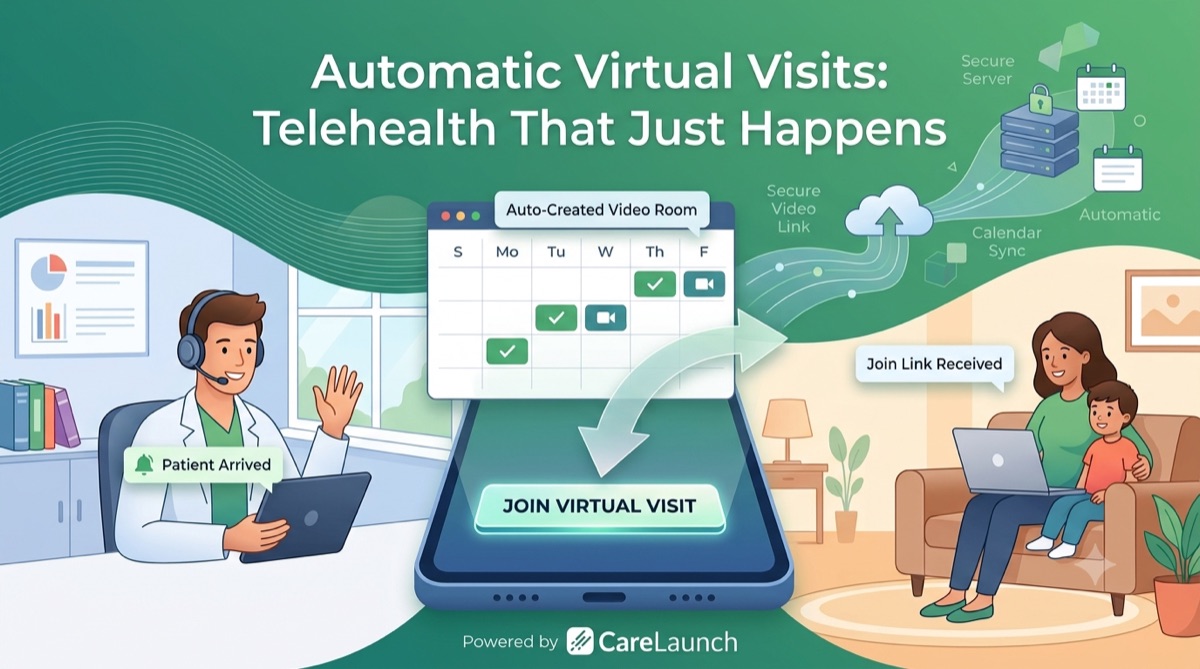
A virtual visit needs more than a booking. The patient needs a join link, the provider needs to know when they arrive, and the appointment needs an assigned provider.
We built automatic virtual visits into CareLaunch to handle more of those steps when an appointment is scheduled.
Set up automatic virtual visits
In Settings → Scheduling → Video Calling, turn on both Enable video calling for virtual visits and Automatically add virtual visits to all scheduled appointments, then save. CareLaunch creates a secure video session for each scheduled appointment. With an invitation template configured, the patient also receives an email with a join link, calendar invite, and technical requirements. Without a template, the visit is still created, but your team needs to share the join details another way. The provider sees a Join Visit button when the appointment is coming up.
See the virtual visit setup guide for the full configuration.
When the patient joins, the team knows
Virtual waiting rooms have an awkward blind spot: the patient is there, but the provider may be finishing another task. CareLaunch sends a Patient Arrived notification when the patient joins and updates the appointment status to arrived. Providers can receive that alert in the app, by email or SMS, or through browser push, according to their notification preferences.
The team can see that the patient is waiting without checking the video room.
Send the appointment to the right provider
If more than one provider can take a visit, assigning appointments becomes another manual queue. CareLaunch supports round-robin, least-loaded, random, and weighted assignment. You can set assignment windows, limit daily assignments, and choose a different strategy for a particular service. Providers receive an assignment notification with a way to confirm or decline.
Your team chooses the assignment rules instead of assigning each appointment manually.
Registration and portal improvements
We also improved Portal Requests and registration recovery. Services can be filtered by the patient's state, and patients can register dependents through the portal.
Want to see how it works? Get started with CareLaunch.