What It Takes to Get a Care Program Live

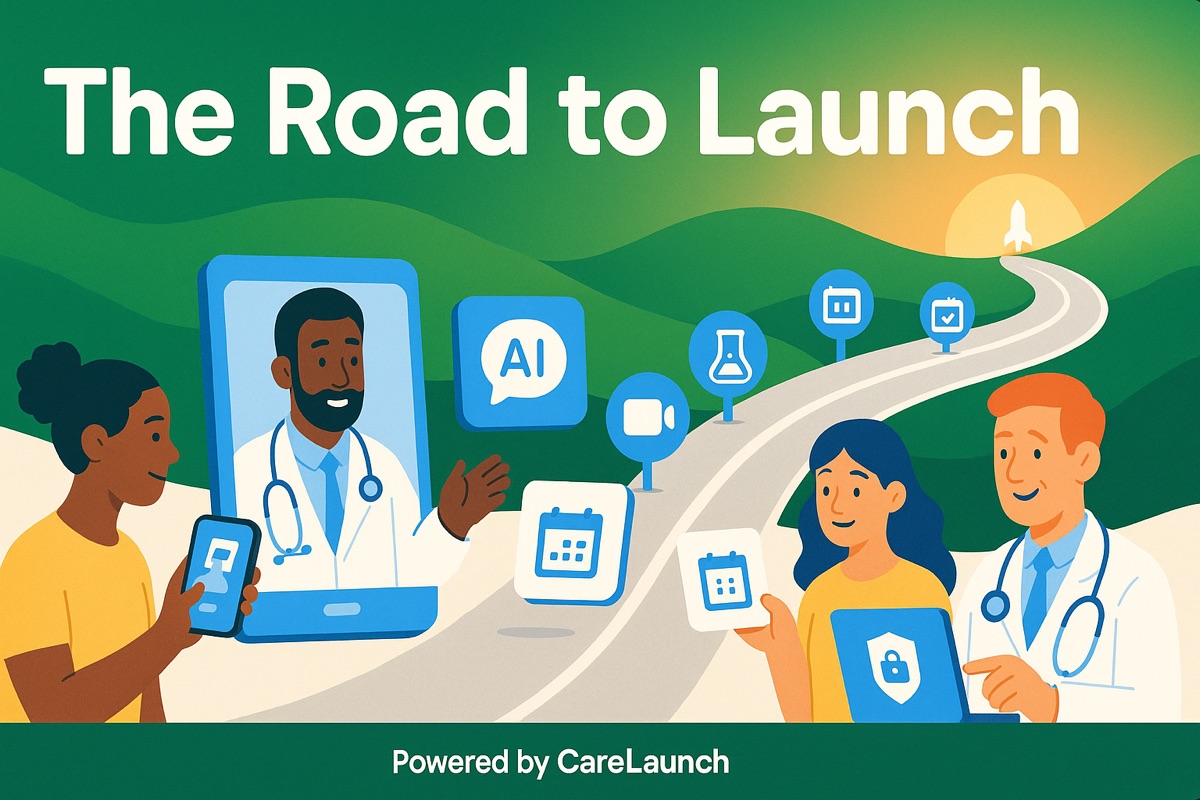
Getting a care program live means setting up registration, scheduling, communications, and the practice's public page. We've been working on those steps together so teams have less to configure separately.
Account setup and onboarding
For solo practitioners with signup access, the self-serve flow brings account creation and plan selection together. After activation, guided onboarding helps you configure the practice. Check the signup page for current access requirements; if you need an invitation or are setting up a group practice, contact our team. The Launch Your Practice hub gives admins a readiness checklist and a place to share the registration link. A media library helps get the content you need into the platform.
The Landing Page Designer lets you build your public page without code. You can choose how to start: import a site, describe what you want, use a template, or begin with a blank page. Your practice address uses launch.care, with redirects from older addresses.
If you need help with the settings, the AI Concierge can answer questions from our documentation and assist with administrative setup when your organization enables it.
Booking should lead to a visit
Enable both video calling and automatic virtual visits in Settings → Scheduling to create a secure room for each scheduled appointment. With an invitation template configured, the patient receives a join link and calendar invite. The provider gets a timely Join Visit button and can receive a notification when the patient arrives, according to their notification preferences. The virtual visit setup guide covers the configuration. Provider load balancing helps distribute appointments using the strategy your team chooses.
We've also worked on recurring availability, time zones, out-of-office time, and payment timeouts.
The care workflow has to keep going
Registration has more ways to fit a practice, including an embeddable flow and a medical conditions step. Providers can sync an external calendar. Admins can use a service-specific form during registration and generate a Good Faith Estimate for self-pay appointments.
We've also improved messaging reliability, portal recovery, and the views staff use to follow a patient through care.
Getting started
The practice still needs to configure its services and workflows. Our goal is to reduce the repetitive setup and administration around that work.
If you're building a new program, check signup availability or contact our team.